


All about SSL protocol


One the most important protocols that made a lot of changes in network equipment is SSL Protocol. When SSL is enabled or used by network equipment, it changes how traffic is transmitted, handled, and secured. These changes impact performance, security and traffic visibility.
These protocol is able to make changes such as: Encryption of Data, SSL Processing (CPU Load), Traffic Visibility Changes, Interface & Management Access, Policy & Rule Adjustments and Certificate Management. in this article, we will explain about this protocol, what is it? what are its features and other specifications.
All about SSL protocol:
SSL (Secure Sockets Layer) is a cryptographic protocol designed to provide secure communication over a computer network, especially the internet. Although SSL protocol itself has been deprecated and replaced by TLS (Transport Layer Security), the term “SSL” is still widely used colloquially to refer to both SSL and TLS. maybe there is a question for you, that is it necessary all electronic devices or network equipment use SSL Protocol, so we will answer you about this question.
SSL is Application Specific; SSL is a protocol used to encrypt data in transit, primarily for web-based services, email, VPNs, and similar. It’s usually implemented at the application layer or in services that face external or internal users. in continue there is a list of some equipment that typically needs SSL Protocol; Web servers (e.g., hosting HTTPS websites), Mail servers (for secure email transport: SMTPS, IMAPS, etc.), VPN gateways, Firewalls with web interfaces and Routers/switches with web GUIs (HTTPS access).
Also there are some devices that usually don’t need SSL Protocol directly such as Switches and routers (non-management plane), Access points (unless they serve HTTPS interfaces) and Basic hubs or unmanaged devices. These devices may not use SSL Protocol themselves, but should allow secure communication to and from devices that do.
Another important thing that you must know about SSL protocol is Secure Management. Even if a device doesn’t use SSL, it’s important that management access (like SSH or HTTPS) is secure. For example:
-
Use HTTPS instead of HTTP for device management
-
Use SSH instead of Telnet
Features of SSL:
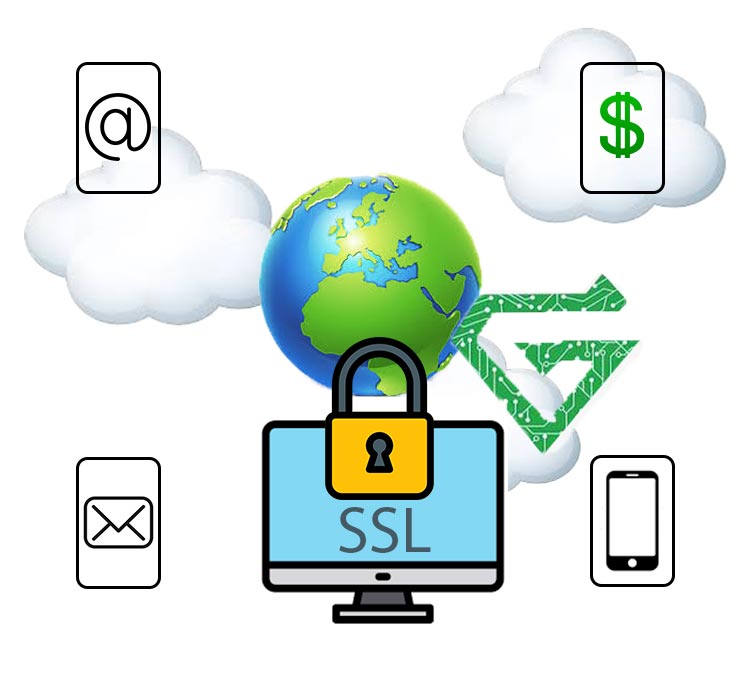
every protocols has some special features that make them unique. SSL Protocol has particular specifications either. there are Features of SSL below that help you, know this protocol better.
- Encryption: Converts data into unreadable text using symmetric cryptography.
- Authentication: Uses public key cryptography to verify the identity of the server (and optionally the client).
- Data Integrity: Uses hashing (e.g., SHA) to ensure data hasn’t been altered in transit.
- Handshake Protocol: Establishes a secure connection by negotiating encryption keys and cipher suites.
- Session Management: Efficient reuse of session keys via session resumption.
Advantages of SSL:
- Secure Transmission: Prevents man-in-the-middle (MITM) attacks, eavesdropping, and data breaches.
- Trust and Legitimacy: Browsers show padlocks or warnings based on SSL protocol certificate validity.
- Data Integrity: Ensures that the data is not altered during transmission.
- Authentication: Verifies the identity of websites, reducing phishing.
- Compliance: Necessary for compliance with GDPR, HIPAA, PCI-DSS, etc.
Disadvantages of SSL:
- Performance Overhead: Encryption and decryption add CPU and memory overhead (though minimized in modern systems).
- Cost: High-quality SSL certificates may be expensive (though free options like Let’s Encrypt exist).
- Complex Setup: Requires configuration and certificate management, which can be error-prone.
- False Sense of Security: An SSL certificate doesn’t mean a site is safe only that the connection is encrypted.
Read More: What is Wi-Fi Technology
Comparing SSL with similar protocols:
- SSL vs. SSH (Secure Shell)
| Feature | SSL | SSH |
|---|---|---|
| Purpose | Secures data in transit (web traffic, etc.) | Secures remote access and file transfer |
| Typical Use Cases | HTTPS (web), FTPS, SMTP over TLS | Remote login (SSH), SCP, SFTP |
| Port | 443 (HTTPS), 993 (IMAPS), etc. | 22 |
| Authentication | Usually via digital certificates | Usually via username/password or key pairs |
| Encryption | Yes (asymmetric + symmetric) | Yes (asymmetric + symmetric) |
| Data Channels | Separate control and data channels | Single, multiplexed connection |
| Handshake Complexity | More complex (TLS Handshake) | Simpler key exchange |
Summary:
- Use SSL for securing services like websites and APIs.
- Use SSH for admin access and file operations.
- SSL vs. IPsec
| Feature | SSL | IPsec (Internet Protocol Security) |
|---|---|---|
| Layer | Application Layer | Network Layer (IP) |
| Typical Use | Secure web, email, app data | Secure IP packets (VPNs) |
| Setup | Easier (mostly server-side) | More complex (network-level configuration) |
| Performance | Lightweight for web apps | Can be heavy for high-throughput systems |
| Transparency | Needs client/browser support | Transparent to apps (works under the hood) |
Summary:
Use SSL when you want to secure specific applications.
Use IPsec when you want to secure all traffic between two endpoints, like in a VPN.
- SSL vs. HTTPS
| Feature | SSL | HTTPS (HTTP Secure) |
|---|---|---|
| Definition | Security protocol | Application protocol using TLS/SSL |
| Function | Provides encryption/authentication | Delivers secure HTTP over SSL/TLS |
| Port | Works on various ports (e.g., 443) | Default is port 443 |
| Use Case | Generic – used by many protocols | Specific – used for web |
Summary:
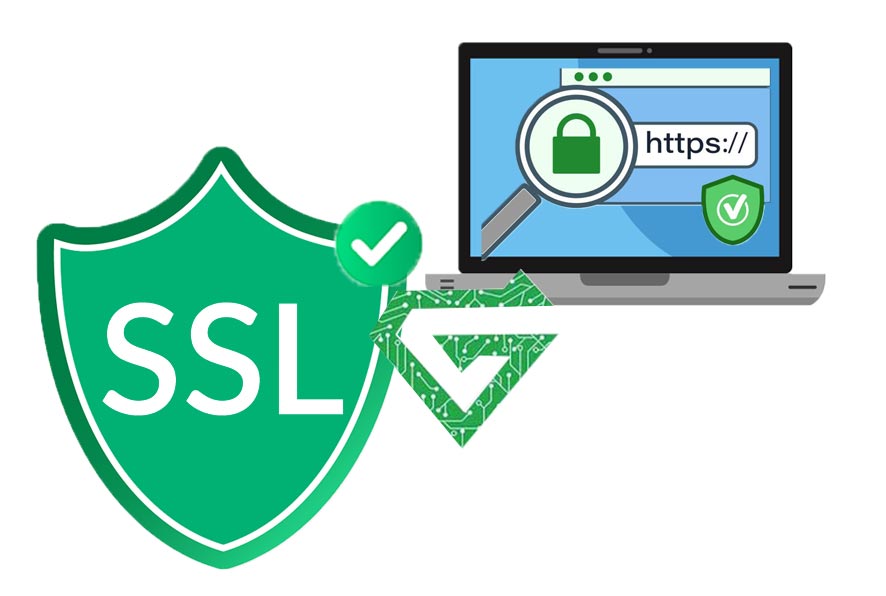
HTTPS = HTTP + SSL
Conclusion of all comparing:
- SSL is the standard for securing web and email protocols.
- SSH is for remote access and secure shell operations.
- IPsec is for network-level security (like full VPNs).
- HTTPS is a specific implementation of SSL/TLS for the web.
TLS vs. SSL; Why Use TLS Instead of SSL?
| Aspect | SSL | TLS |
|---|---|---|
| Versions | SSL 2.0, SSL 3.0 (deprecated) | TLS 1.0 → TLS 1.3 (latest) |
| Security | Outdated and vulnerable | Modern, actively maintained |
| Performance | Less optimized | Faster, with better cipher suites |
| Protocol Design | Older cryptographic methods | Supports forward secrecy, improved key exchange |
| Status | Obsolete (no longer secure) | Industry standard |
Why Use SSL?
- Encrypts communications to prevent eavesdropping.
- Authenticates the server (via certificates) and optionally the client.
- Protects data integrity to ensure nothing is altered in transit.
- Required for HTTPS, email security (e.g., SMTPS, IMAPS), and modern VPNs.
SSL or TLS?
| Context | Correct Term | Notes |
|---|---|---|
| General / legacy term | SSL/TLS | Acceptable for high-level discussion |
| Accurate / modern | TLS | Preferred in technical writing |
| Incorrect | Just SSL (alone) | Misleading unless you really mean SSL (which is rare) |
Comparison table:
- Bad: “SSH vs SSL”
- Better: “SSH vs SSL/TLS”
- Best: “SSH vs TLS” (if referring to modern usage)
If you’re writing a comparison or technical content, use “TLS”(or “SSL/TLS” if you’re referring to the broader family of secure transport protocols).
Saying just “SSL” is outdated and technically inaccurate unless you specifically mean the old, insecure protocol.
What network equipment have SSL protocol?
Many types of network equipment support SSL protocol, especially those that handle data transmission, remote access, or management interfaces. Here’s a breakdown by category:
1. Web Servers & Application Gateways:
- Load balancers (e.g., F5 BIG-IP, HAProxy, NGINX)
- Reverse proxies (e.g., NGINX, Apache)
- Web application firewalls (WAFs)
These terminate and inspect HTTPS/SSL traffic.
2. Routers and Firewalls:
- Enterprise Routers(e.g., Router Cisco, Juniper, MikroTik)
- Next-gen firewalls (NGFWs) (e.g., Fortinet, Palo Alto, Sophos)
- Use SSL/TLS for:
- HTTPS management interfaces
- SSL VPNs (Secure remote access)
- SSL decryption/inspection (proxying and filtering encrypted traffic)
3. VPN Devices:
- Devices that provide SSL VPN functionality (e.g., OpenVPN, Cisco AnyConnect, FortiGate VPN)
- Support TLS-based tunnels for secure remote access
4. Switches and Wireless Controllers
- Managed switches and Wi-Fi controllers (e.g., Aruba, Cisco Catalyst)
- Use SSL/TLS for:
- Web-based management GUI (HTTPS)
- Secure SNMPv3 or API connections
- Certificate-based device authentication
5. Cloud Networking Devices / Virtual Appliances
- Virtual firewalls, gateways, and WAFs in AWS, Azure, GCP
- Almost always support SSL/TLS for:
- Web UI access
- Client traffic inspection
- Service-to-service encryption
6. Client-Side Devices (for context)
While not “network equipment,” clients (browsers, mail clients, etc.) initiate SSL/TLS connections so the above devices.
SSL/TLS in These Devices Enables:
- Secure web interface access (HTTPS instead of HTTP)
- Encrypted tunnels for VPN and remote access
- Traffic decryption/re-encryption for inspection
- Device authentication via certificates
Conclusion:
SSL (Secure Sockets Layer) is a cryptographic protocol originally designed to secure data transmission over networks by providing encryption, authentication, and data integrity. Although SSL itself is outdated and replaced by TLS (Transport Layer Security), the term “SSL” is still commonly used to refer to secure communication protocols.
SSL protocol is essential for protecting sensitive data (like passwords, banking info, and personal details) across the internet, enabling secure connections such as HTTPS, SSL VPNs, and encrypted management access to network equipment. It ensures that data is safe from eavesdropping, tampering, and impersonation attacks.
If this article is useful and practical for you, read our other blogs in Atech blogs.