


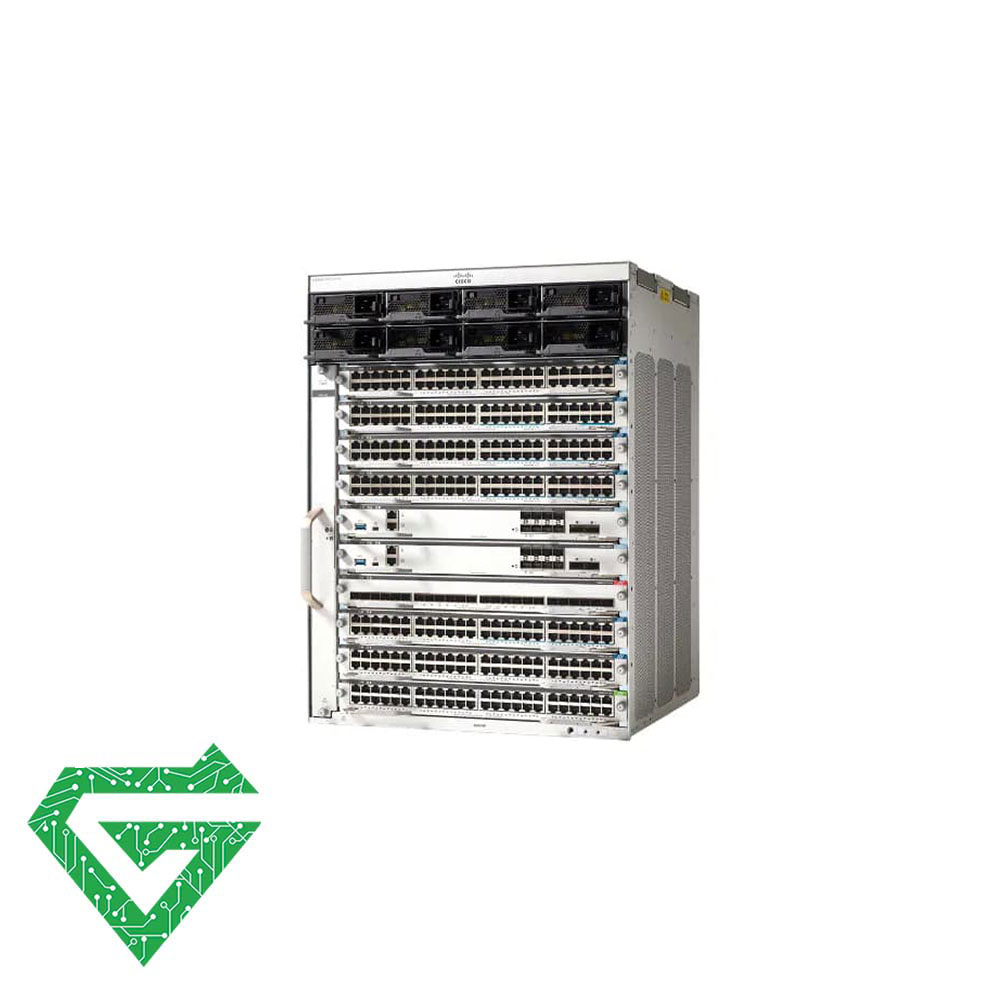
Cisco Catalyst 9410R Switch
Cisco Catalyst 9400 Series 10 slot chassis. The Cisco switch 9400 Series Network switches are Cisco leading modular enterprise switching access platform built for security, IoT and cloud
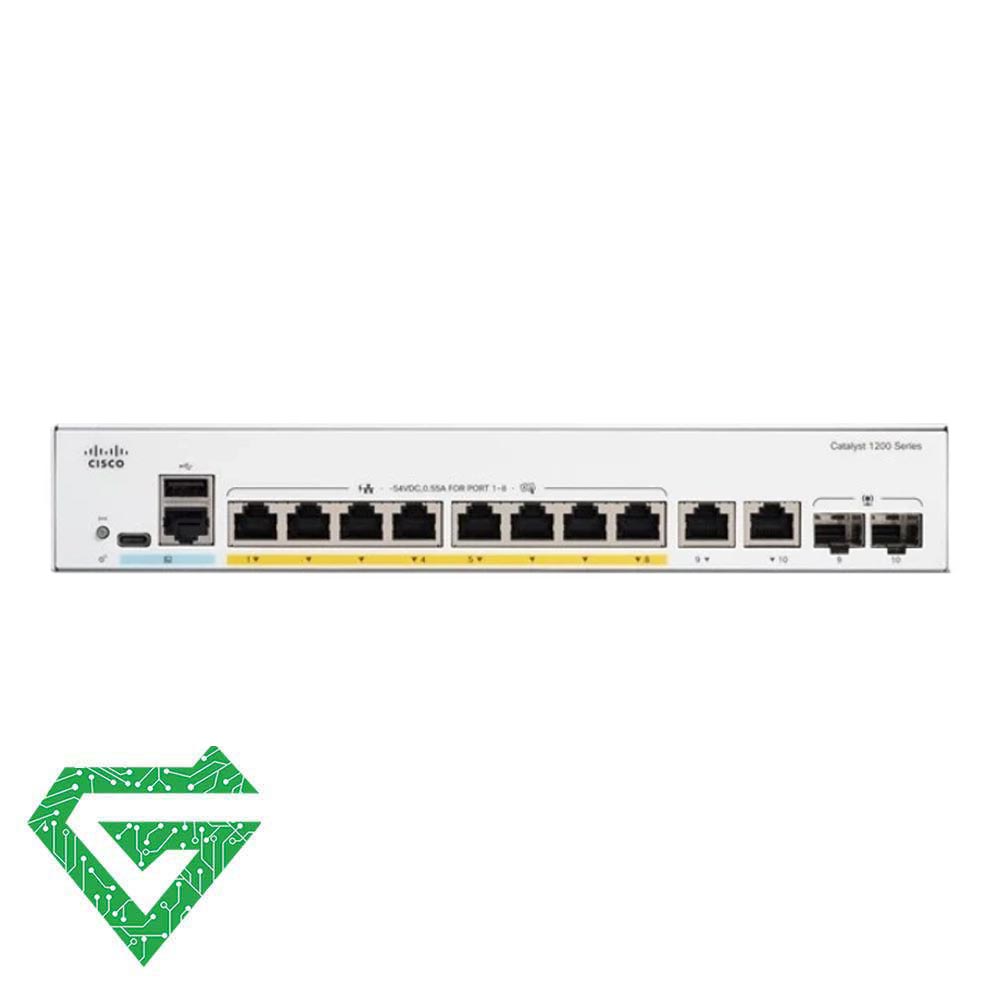
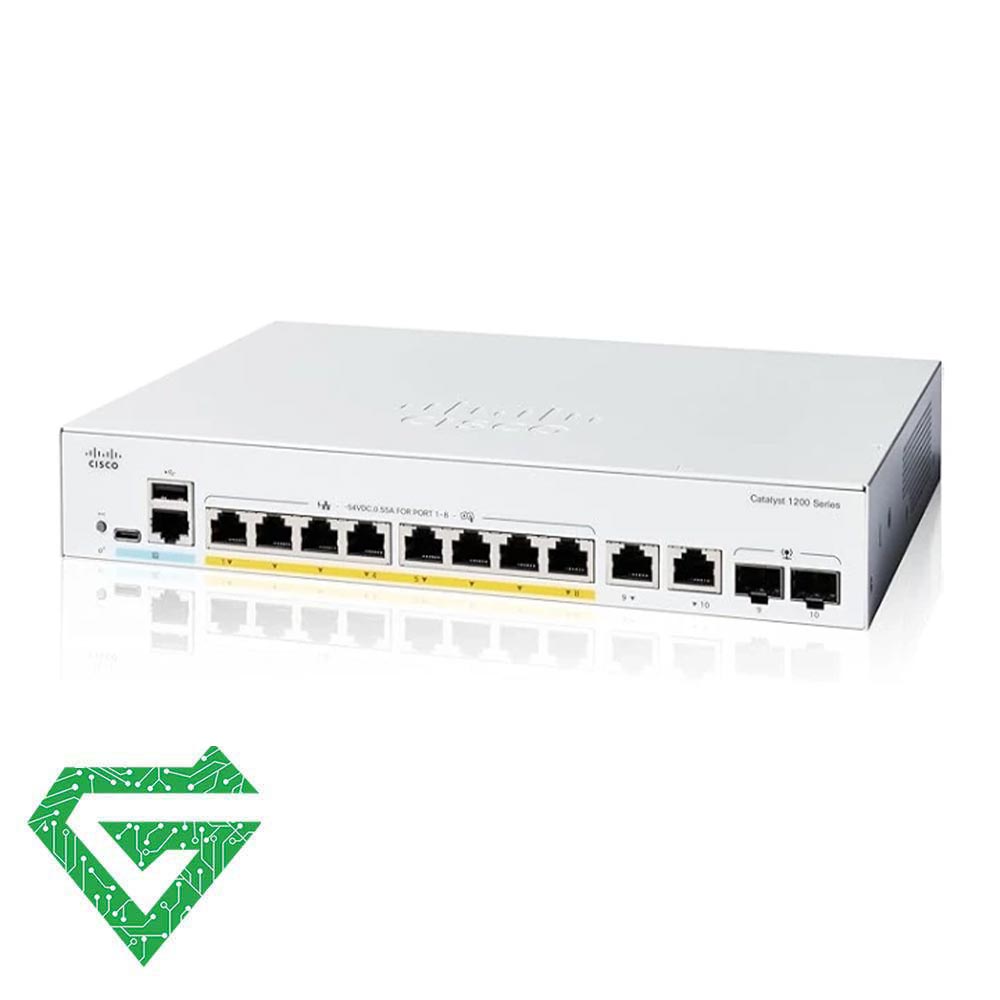
Cisco Catalyst WS-C1200-8FP-2G Switch
As we said, the Cisco Catalyst WS-C1200-8FP-2G Switch designed with 8 Gigabit PoE+ (Power over Ethernet) ports and 2 Gigabit uplink ports. This Network Switch is ideal for environments that require high-performance, high-power networking, such as small to medium-sized business offices.
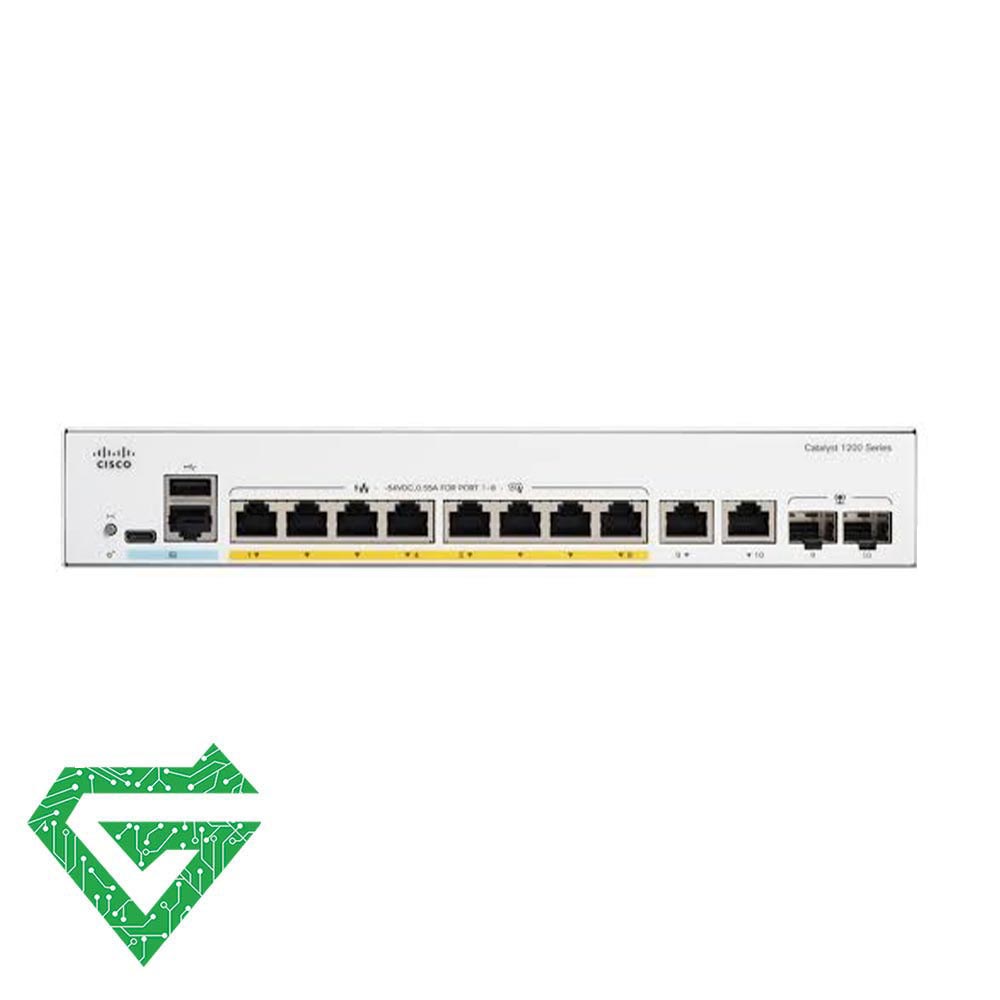
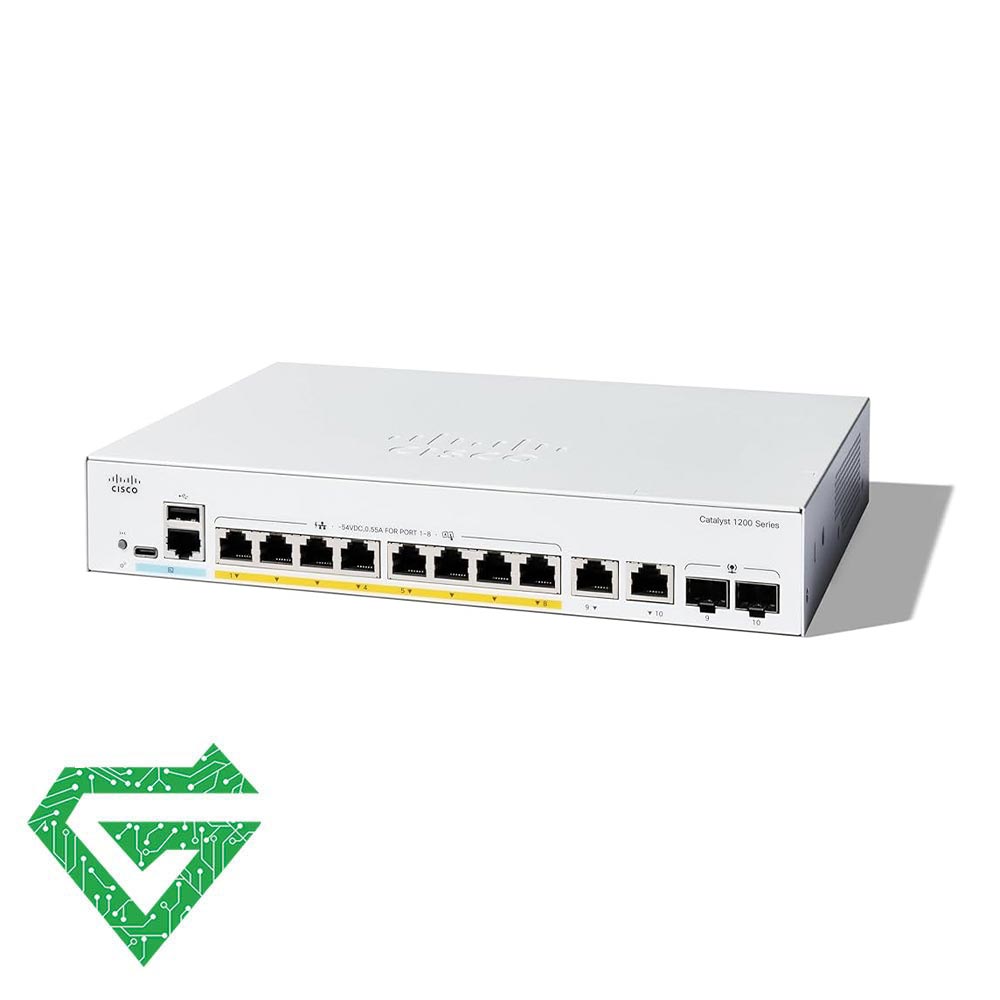
Cisco Catalyst WS-C1200-8P-E-2G Switch
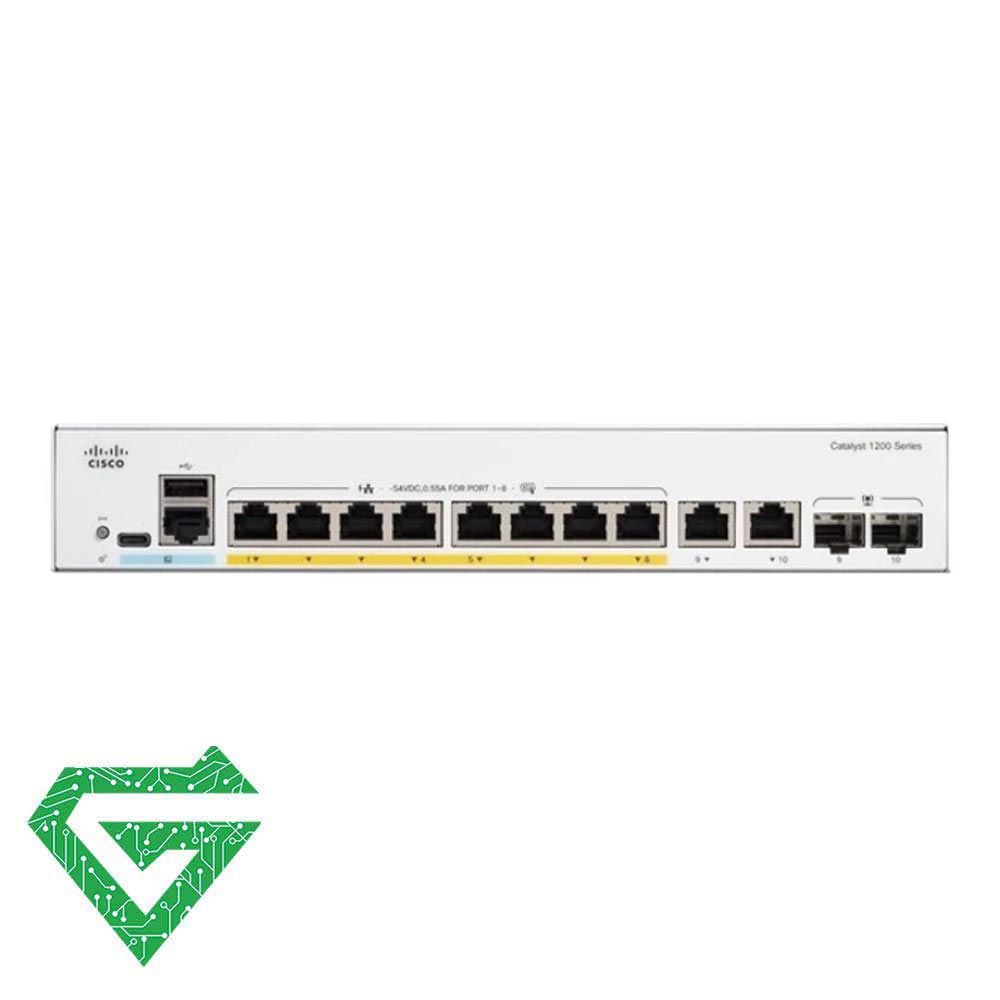
Cisco Catalyst WS-C1300-8FP-2G Switch
The Cisco Catalyst 1300 Series Switch, Model Cisco Catalyst WS-C1300-8FP-2G Switch, is a cost-effective and efficient solution for small to medium-sized networks. Offering 8 Gigabit Ethernet ports and 2 Gigabit Ethernet SFP combo ports, this switch is an ideal choice for connecting a variety of devices such as computers, servers, IP phones, and wireless access points.
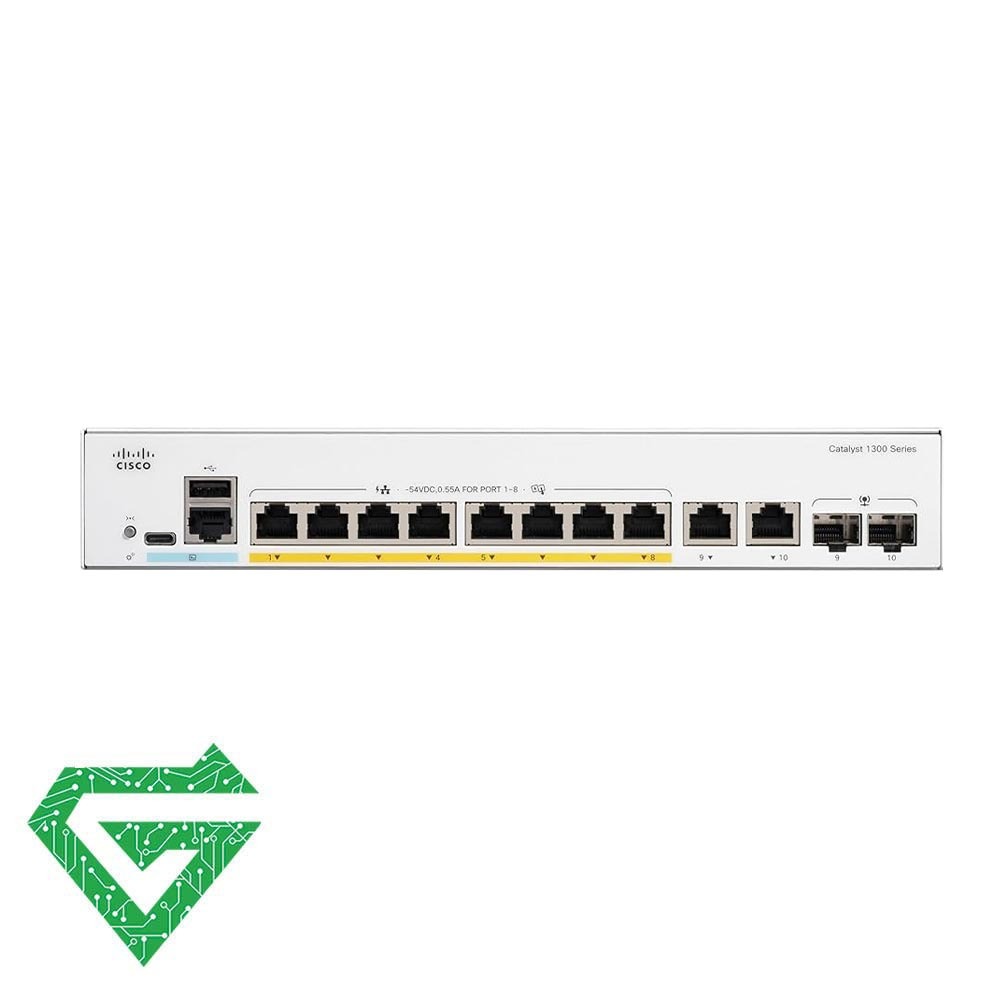
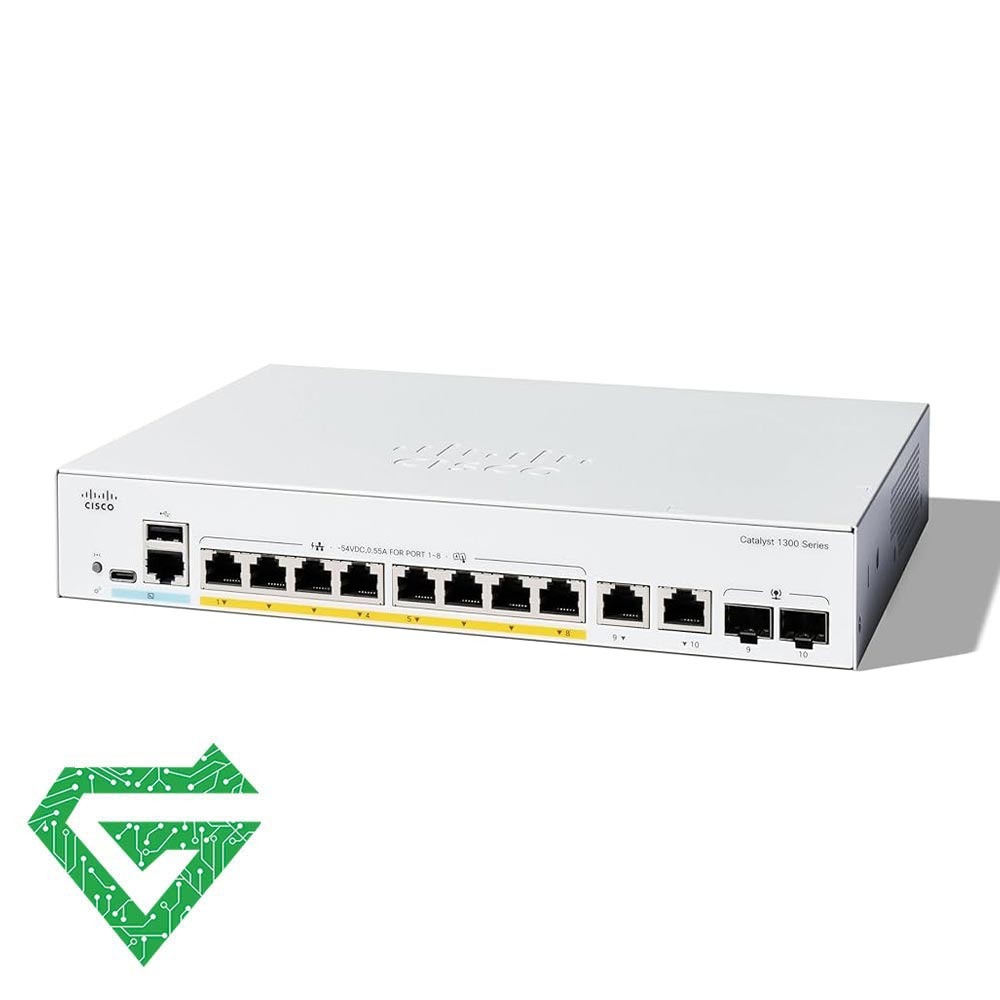
Cisco Catalyst WS-C1300-8P-E-2G Switch
Designed for small and medium-sized businesses, the Cisco Catalyst C1300-8P-E-2G 8-Port Managed Network Switch lets you run security cameras, access points, VoIP phones, and other power-hungry devices. It features eight Gigabit ports that can each supply up to 30W of power to compatible devices with a 67W budget. Two RJ45/SFP combo ports are also available for 1Gbps copper or fiber.
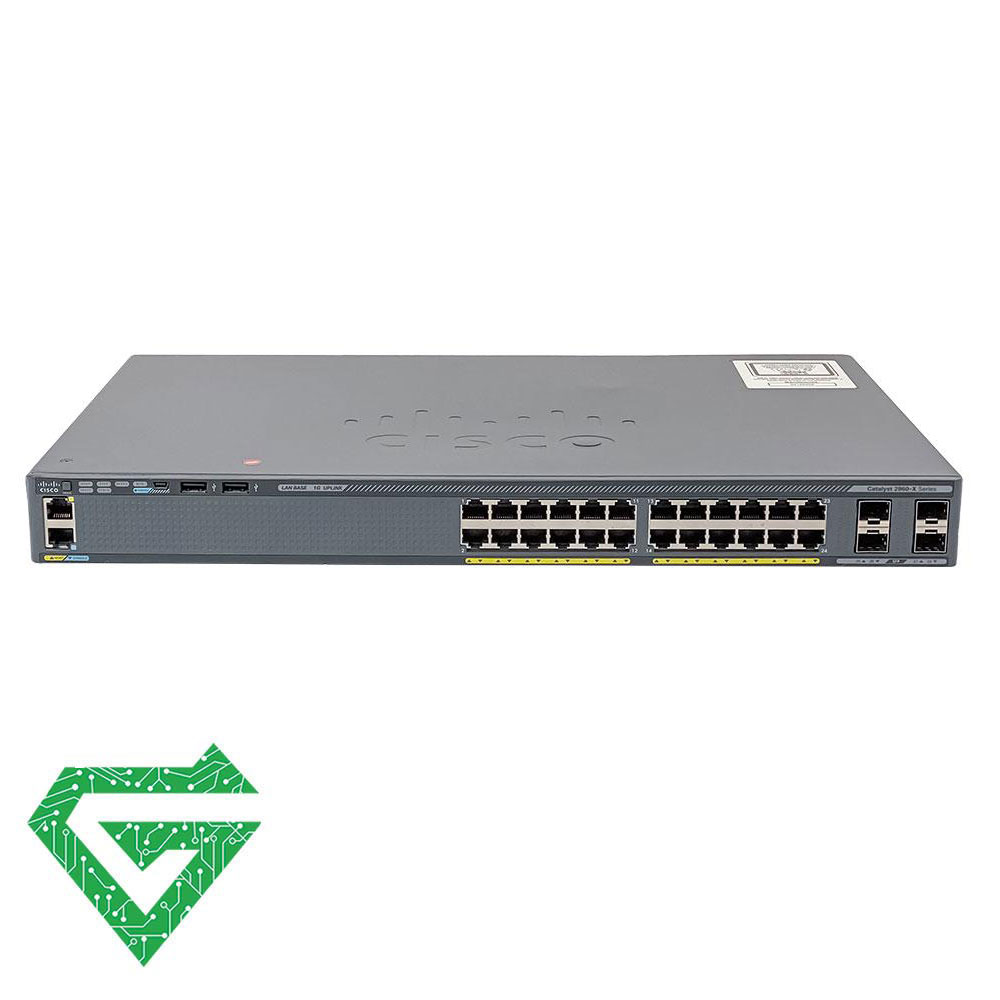
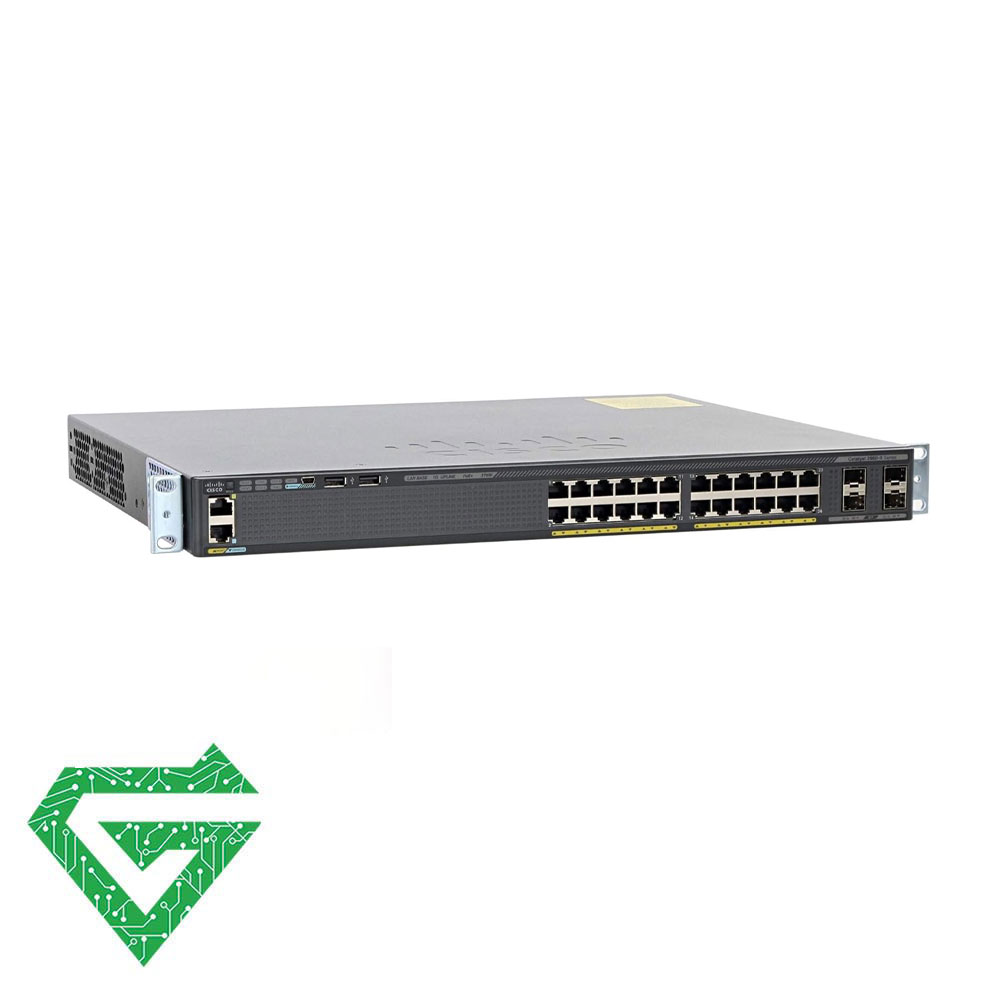
Cisco Catalyst WS-C2960X-24PS-L Switch
The Cisco WS-C2960X-24PS-L is a model from the Cisco Catalyst 2960-X Series of switches. This Cisco Switch that designed by cisco company, sells in network equipment market.
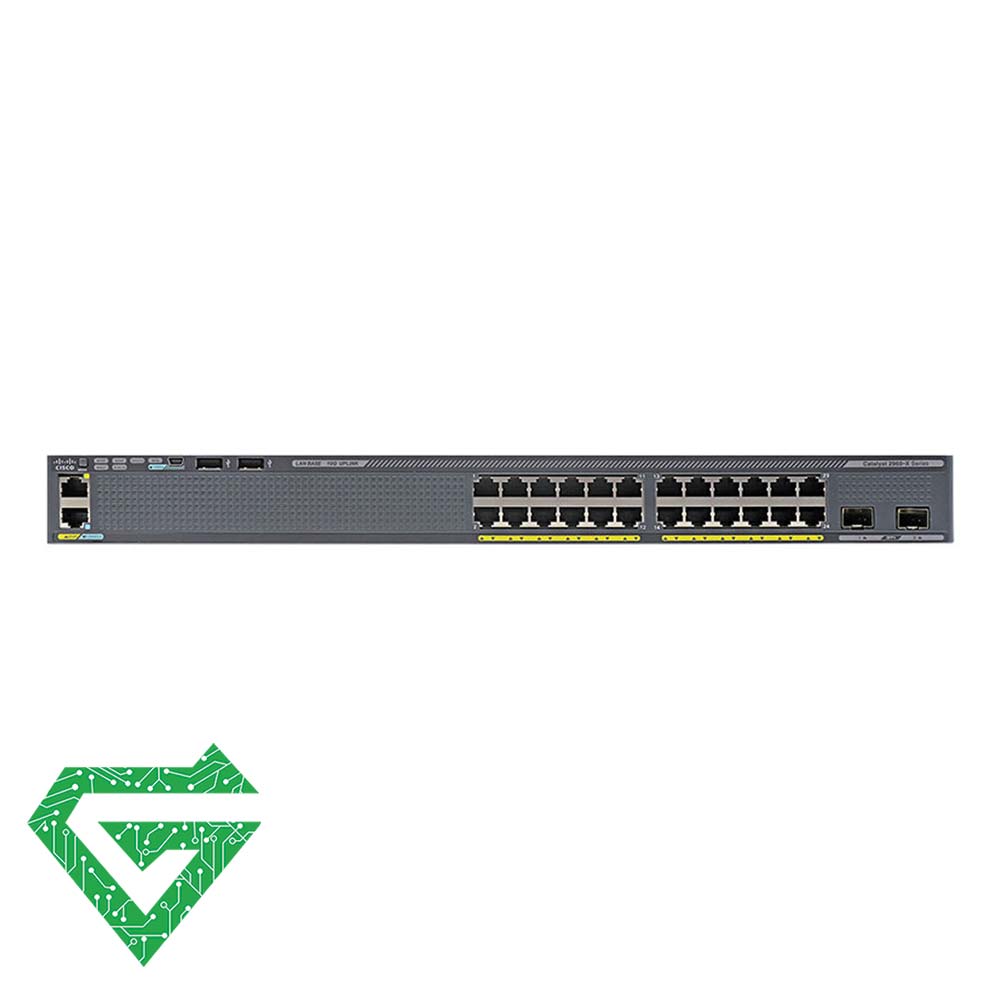
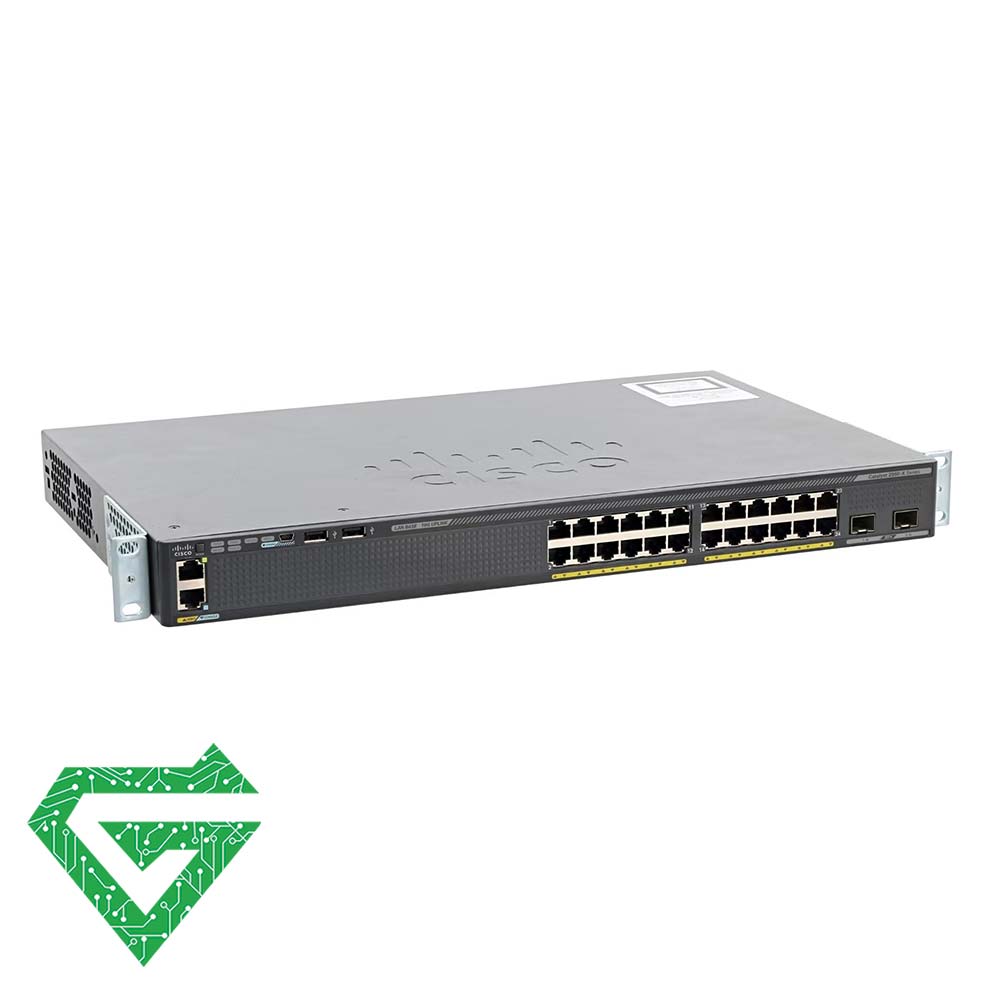
Cisco Catalyst WS-C2960X-24TD-L Switch
The Cisco Catalyst WS-C2960X-24TD-L is a member of the Cisco Catalyst 2960-X series of switches. It is a fixed configuration, stackable Gigabit Ethernet switch designed for small to medium-sized businesses and enterprise branch offices.


Cisco Catalyst WS-C2960X-24TS-L Switch
The Cisco Catalyst WS-C2960X-24TS-L is a member of the Cisco Catalyst 2960-X Series of fixed-configuration, stackable Gigabit Ethernet switches. It is designed for small to medium-sized businesses and branch office deployments.
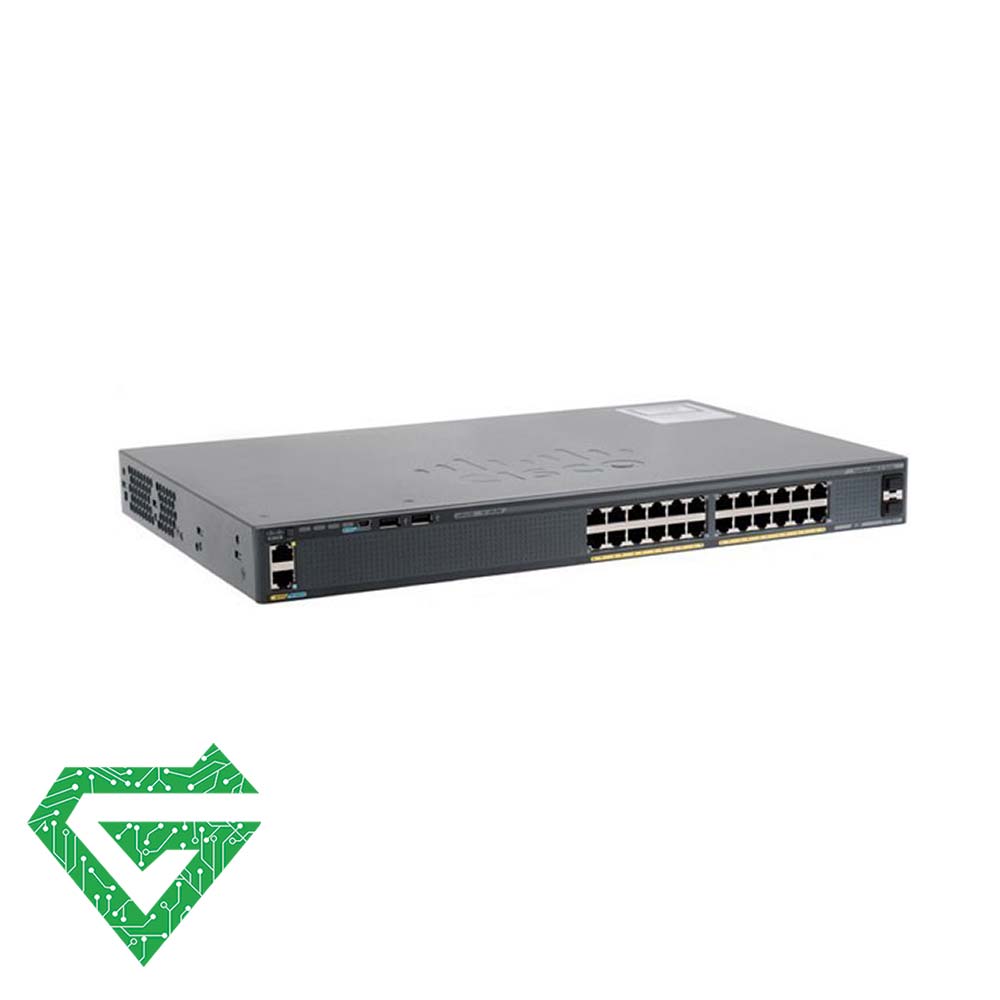
Cisco Catalyst WS-C2960X-24TS-LL Switch
The Cisco Catalyst WS-C2960X-24TS-LL is a member of the Cisco Catalyst 2960-X series of switches. It is a fixed configuration, stackable Gigabit Ethernet switch designed for small to medium-sized businesses and enterprise branch offices.


Cisco Catalyst WS-C2960X-48FPD-L Switch


Cisco Catalyst WS-C2960X-48FPS-L Switch
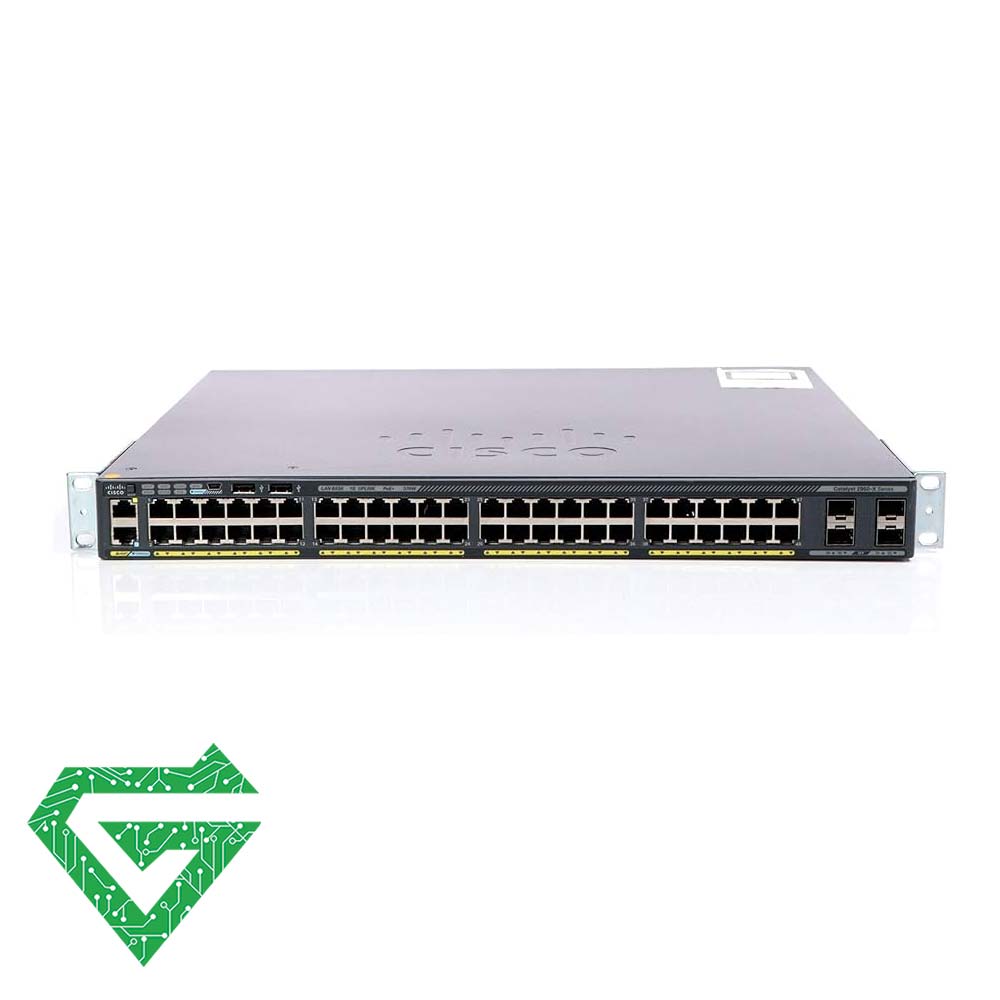
Cisco Catalyst WS-C2960X-48LPS-L Switch
The Cisco Catalyst WS-C2960X-48LPS-L is another member of the Cisco Catalyst 2960-X series of switches. It is a fixed configuration, stackable Gigabit Ethernet switch designed for small to medium-sized businesses and enterprise branch offices. This Cisco Switch that designed by cisco company, sells in network equipment marketing.

What is network switch:
A network switch can connect many devices within a network and then forwards data between them. Network switch just send data packets to single device not to networks of multiple devices.
A network switch is defined as a hardware component responsible for relaying data from a computer network to the destination endpoint through packet switching, MAC address identification, and a multiport bridge system.
A network switch works at the data link Layer 2 of the architecture of Open Systems Interconnection (OSI). It accepts packets from access points linked to physical ports and then sends them only via the ports going to a destination device.
A network switch connects network devices (printers, computers, and wireless devices/access points, and enables users to exchange data packets. Switches may be both hardware and software-based virtual devices that govern physical systems. In today’s network systems, switches make up the vast bulk of network equipment.
How does a network switch work:
As we said, network switch is one of important devices in network equipment that can work in three ways:
- Edge switches, also known as access switches: They handle traffic entering and departing the network. Edge switches link various devices, including personal computers and access points.
- Aggregation switches: Switches for aggregation or dissemination are located within an optional intermediary layer. These connect to edge switches, which may transmit traffic from one switch to another or up to the core switches.
- Core switches: The network’s backbone is made up of these switches. Core switches link edge or aggregation switches, device or consumer edge networks to networks at data centers, and routers to organizational LANs.
Types of network switch:
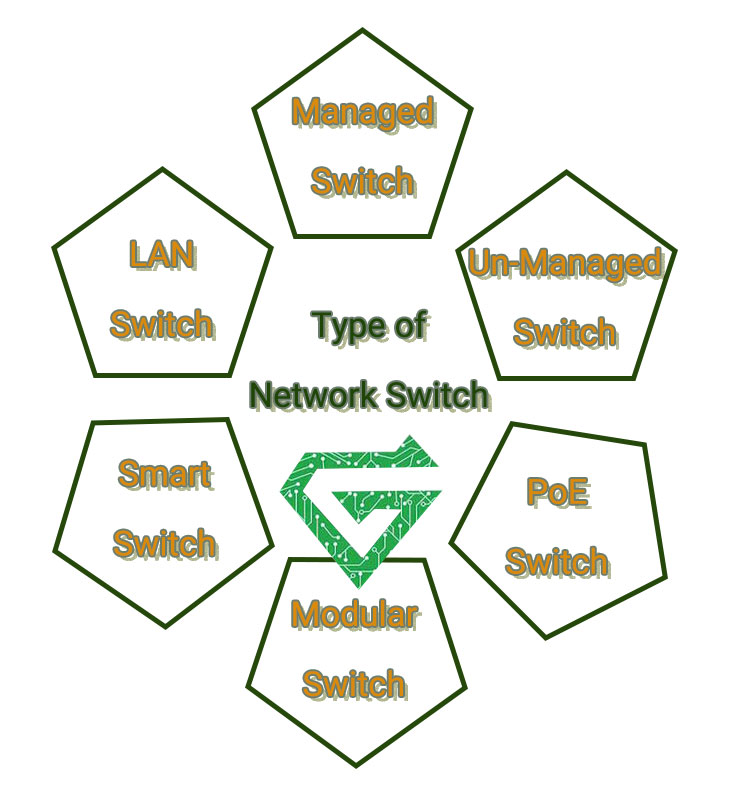
There are different types of network switch for variety of uses. Follow the text;
- Managed Switches: this type of provide great capacity and capabilities for IT expert. To configure managed switches, CLI are utilized. They enable simple network management protocol agents, which offer information for troubleshooting network issues. Administrators can also use them to create virtual LANs to split a local network into smaller parts. Managed switches are substantially more expensive than unmanaged switches due to their additional functionality.
- Unmanaged Switches: basic form of switches is unmanaged, which have a set configuration. An unmanaged switch merely expands a LAN’s Ethernet connections, allowing additional internet connections to local devices. Unmanaged switches use device MAC addresses to transmit data back and forth. They are usually plug-and-play, meaning the user has few alternatives to pick from. These switches could have default configurations for aspects like quality of service, but one cannot modify them. Unmanaged switches are relatively cheap, but poor capability make them unsuitable for many corporate applications.
- PoE Switches: PoE ability is available on many network switches, making installing IoT devices and other gear faster, simpler, and safer. PoE is a method of supplying DC power to low-power devices across a LAN wire. Low-power devices connected to a PoE-capable network switch will no longer require a power supply. When concealing connections isn’t possible, this avoids the need for additional power outlets and makes the installation seem efficient. A PoE-capable switch is also safer because the power output is low and intelligently managed.
- LAN Switches: LAN switches is short form of Local are network switches, are typically used to link locations on a company’s internal LAN. It also is referred to as an Ethernet switch or a data switch. Allocating bandwidth efficiently prevents data packets from overlapping as they travel via a network. Before directing the delivered data packet to its intended destination, the LAN switch delivers it. These switches alleviate network congestion or bottlenecks by sending a packet of data solely to its intended receiver.
- Smart Switches: we explained about managed switches, managed switches are called smart switches. These kinds of switches have characteristics that go beyond an unmanaged switch but are less expensive than fully controllable ones because of this reason, this switch is popular between users.
- Modular Switches: these switches allow you to add extension modules as needed, providing greater flexibility as the network grows. Modules are examples of app-specific expansion option for wireless connection, firewalls and network analysis.
- Fixed-Configuration Switches: the number of ports in this switch has fixed and you cannot expandable, this feature made them affordable and they are common switches on the market. The number of ports on them is predetermined include 8,16,24 and 48 ports. They have variety of ports that can change speed of device.
- Stackable Switches: Stackable switches allow you to optimize your network while also increasing its reliability. With an actual stackable switch, these clusters of switches function as a single switch powered by a single SNMP/RMON agent, one domain, just one command line interface (CLI), or a Web interface. The ability to create link aggregation groupings covering several units in the stack, transfer mirror traffic from one component to another in the stack, and configure Quality of Service (QoS) encompassing all units are all advantages of using these types of switches for connection.
- Layer three Switches: Switches are part of the OSI model’s Layer 2 layer. They function at the data network layer, and their main job is to forward ethernet frames as quickly as possible from one port to another. Because they operate at the Network Layer of the OSI model, these switches are referred to as Layer 3 switches. A Layer 3 switch is a hybrid of Layer 2 and 3 devices. Their software is more complex than traditional Layer 2 switches, and they can run dynamic routing protocols.
- Data center Switches: these switches are popular between users. Almost whole organizations consolidate their IT assets and networks into a few large data centers for easier administration, management, and other reasons. As a result, data center switches must-have features like high-speed performance, huge port capacity, low latency, virtualization support, security, and QoS, among others.one example of them is Nexus switch that is ideal for implementing the SDN concept and providing virtualization and programmability.
- Optical Fiber Port Switches: in many situations, you require a fiber-optic connection to extend connectivity beyond the 100 m limit of standard Ethernet cable. This switch most of the time has RJ45 ports and additional fiber optic ports for connecting fiber connection.
What are the benefits of network switches?
- Increased bandwidth: Switches create dedicated connections between devices and increase the available bandwidth for each device.
- Improved network performance: Switches provide faster data transfer rates, resulting in better network performance.
- Tighter security: Switches can create virtual LANs (VLANs) to isolate network traffic and separate sensitive data, restricting access to approved devices or groups of devices.
- Easy scalability: Network administrators can easily add switches to a network to increase the number of devices that can be connected.
- Power over Ethernet (POE): Many modern switches provide Power over Ethernet technology, which may offer up to 100W of power for devices connected to the network. A POE switch can power network devices like security cameras, sensors, outdoor lighting, and VoIP phones, enabling these devices to avoid a separate power supply.
What are uses of network switch:
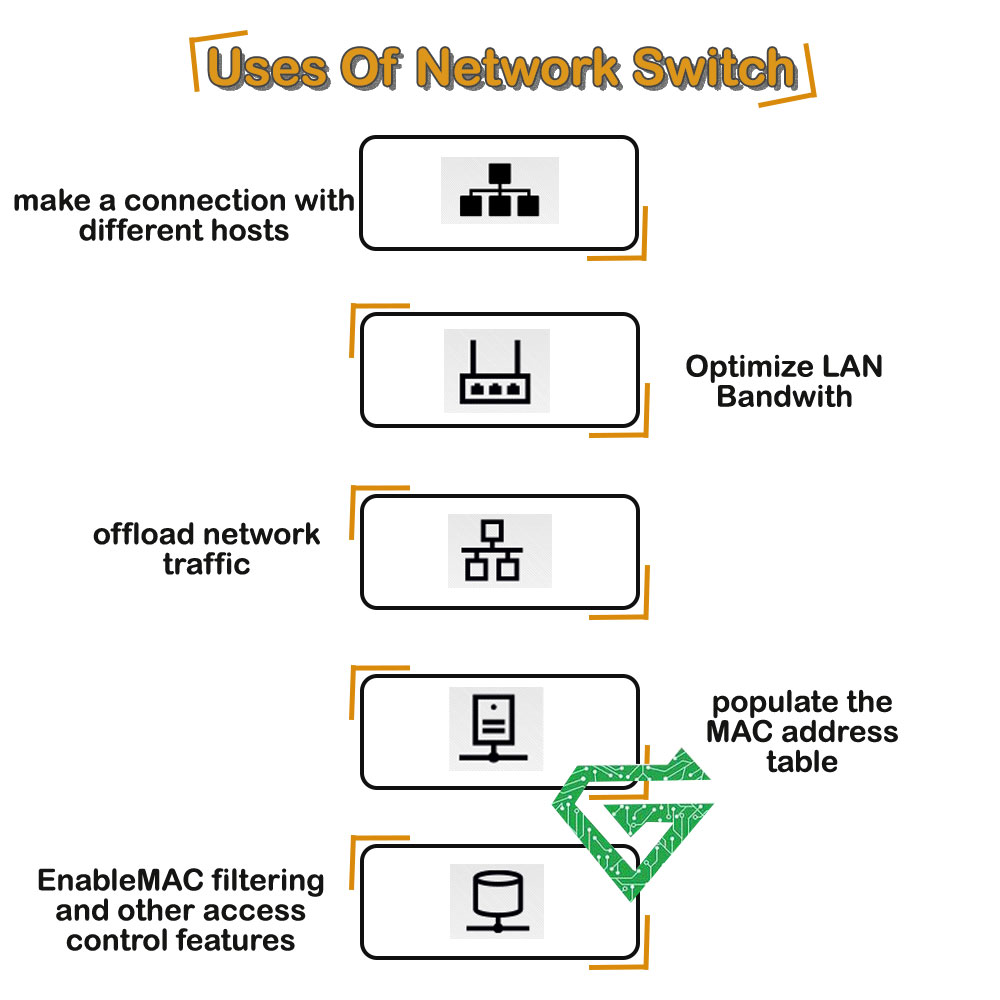
When you set network switch, IT experts should remember the following use case and applications:
- Make a connection with several different hosts
- Offload network traffic
- Optimize LAN bandwidth
- Populate the MAC address table
- Enable MAC filtering and other access control features
Why choose Atech.ae:
Atech.ae is a big company that selling network equipment in high-quality and helping to power and protect online business. Atech.ae provides the industry leading reliability, scale and expertise to grow your business with confidence. You can buy you network equipment from it and using Atech warranty. For knowing the price and buy network switch, click on link and do it easily.